Booking.com Refund Policy Explained: Cancellation Rules, Refund Times, and How to Claim Your Money
Booking.com Refund Policy Explained: Cancellation Rules, Refund Times, and How to Claim Your Money The Booking.com refund policy is not a single rule that applies to every reservation.
The Booking.com refund policy is not a single rule that applies to every reservation. Whether you receive a full refund, partial refund, or no refund depends mainly on the cancellation conditions attached to your hotel, flight, car rental, or transport booking.
For accommodation, the hotel or property usually sets the cancellation and no-show terms. Booking.com displays those conditions before payment and includes them in your confirmation email. This means two rooms at the same hotel may have completely different refund rules.
The safest approach is simple: read the cancellation deadline, payment terms, and refund conditions for your exact rate before confirming the reservation.
Booking.com Refund Policy at a Glance
| Booking situation | Likely refund out come | Important condition |
|---|---|---|
| Free-cancellation hotel rate | Full refund or no charge | Cancel before the stated deadline |
| Partially refundable hotel rate. | Partial refund | Fee shown in the rate conditions applies |
| Non-refundable hotel rate | Usually no refund | Property may approve an exception |
| Cancellation after the deadline | Partial or no refund | Often charged one night or the full amount |
| Hotel cancels the reservation | Refund or alternative accommodation | Contact Booking.com immediately |
| No-show | Usually no refund | Property’s no-show policy applies. |
| Flight cancellation | Depends on airline fare rules | Airline or ticket provider controls eligibility |
| Rental car cancelled more than 48 hours before pickup | Usually full refund | Standard terms may exclude special rates |
| Private transfer cancelled on time | Usually full refund | Deadline is commonly 24 hours, but may be 2 hours |
| Duplicate or incorrect charge | Investigated individually | Evidence such as a bank statement may be required |
Booking.com’s current customer terms confirm that refunds and cancellation fees generally depend on the individual service provider’s policy. Some bookings allow free cancellation only until a specific deadline, while others cannot be cancelled for free at all.
How the Booking.com Refund Policy Works
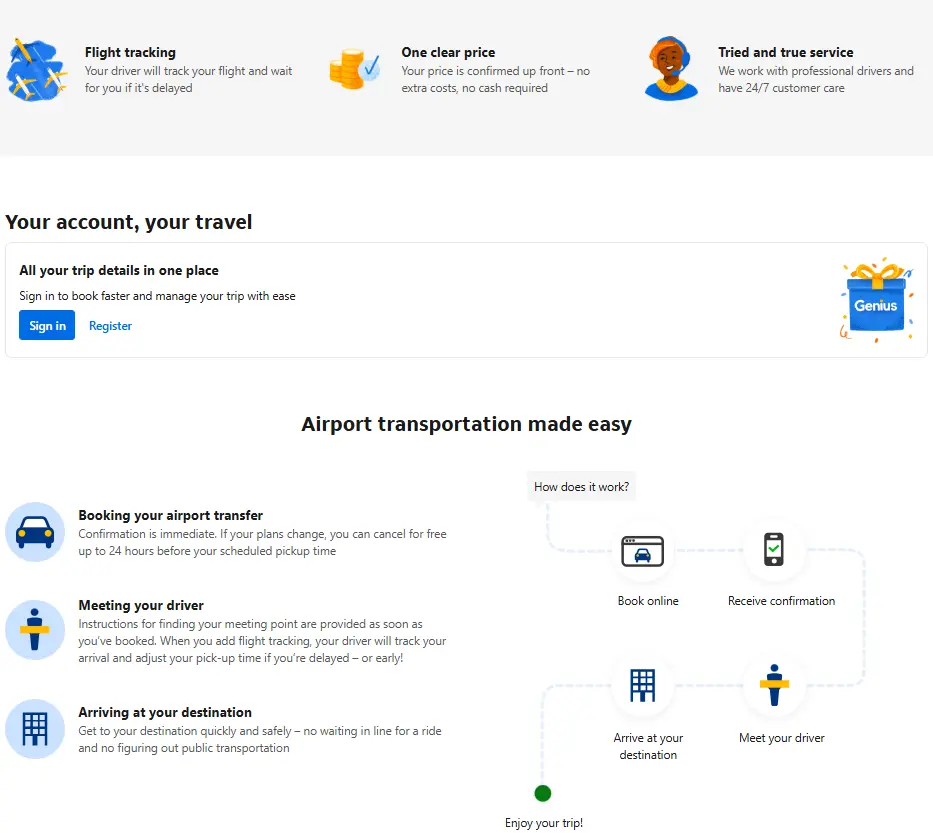
Booking.com operates primarily as a booking platform connecting travelers with hotels, airlines, rental companies, and other travel providers. In many cases, it is not the company providing the room, flight, or vehicle.
This distinction matters because the service provider normally creates the cancellation policy. Booking.com displays and helps administer that policy, but it cannot automatically override a hotel’s non-refundable conditions simply because a traveler’s plans have changed.
Your refund rights are determined by several factors:
The type of travel service you booked
Whether your rate is refundable
The cancellation deadline
Who processed the original payment
The reason for cancellation
Whether you cancelled properly
The service provider’s individual terms
Applicable consumer-protection laws
Never assume that the words “pay later” mean “free cancellation.” A property can offer payment at a later date while still imposing a cancellation fee.
Booking.com Hotel Refund Policy
Accommodation refunds are the area where travelers experience the most confusion. Booking.com does not impose one universal refund period or cancellation window on every hotel.
Free-Cancellation Reservations
A free-cancellation rate allows you to cancel without a penalty until the time and date shown in your booking conditions.
For example, your confirmation may say:
You can cancel free of charge until 11:59 p.m. on October 10.
If you cancel within that period, you should receive a refund of any eligible prepaid amount. If the property has not charged you yet, no refund is necessary because no money has been collected.
Pay attention to the property’s local time zone. A deadline based on the hotel’s local time may be several hours ahead of or behind your current location.
Partially Refundable Reservations
A partially refundable rate allows cancellation, but a fee is deducted. The property might retain:
The cost of the first night
A fixed cancellation fee
A percentage of the reservation
Taxes or service charges permitted under the conditions
The full cost if cancellation occurs very close to arrival
The exact amount should appear before you book and in your confirmation.
Non-Refundable Reservations
When you select a non-refundable Booking.com rate, you normally agree to pay the full price even if you later cancel or cannot travel.
Non-refundable rates are often cheaper because you accept more risk in exchange for the discount. You may still ask the property for an exception, particularly after a medical emergency, bereavement, natural disaster, or major travel disruption. However, approval is discretionary unless local law gives you additional rights.
Booking.com customer service can forward or support your request, but it generally cannot force a hotel to waive a valid non-refundable charge.
Late Cancellation and No-Show Rules
If you cancel after the free-cancellation period, the property may apply its late-cancellation fee. If you do not arrive and fail to cancel, the reservation may be recorded as a no-show.
A no-show can lead to:
Loss of the entire payment
A charge for the first night
Cancellation of the remaining nights
Loss of promotional credits or rewards
Additional consequences stated in the property’s conditions
If you expect to arrive late, contact the property. Otherwise, it may assume you are not coming and release your room.
Who Processes Your Booking.com Refund?
The refund source depends on who collected the payment.
When Booking.com Collected the Payment
If your bank statement or confirmation shows that Booking.com handled the payment, Booking.com or its payment partner will normally process an approved refund back to the eligible payment method.
When the Property Collected the Payment
Some hotels charge your card directly. In that situation, the property is normally responsible for issuing the refund.
This is why Booking.com support may tell you that it is waiting for confirmation from the accommodation. Booking.com can help communicate with the hotel, but the hotel may control the transaction.
When You Paid at the Property
If you paid in cash or directly through the hotel’s card terminal, you may need to arrange the refund directly with the property. Keep the invoice and payment receipt.
How to Cancel a Booking.com Reservation and Request a Refund
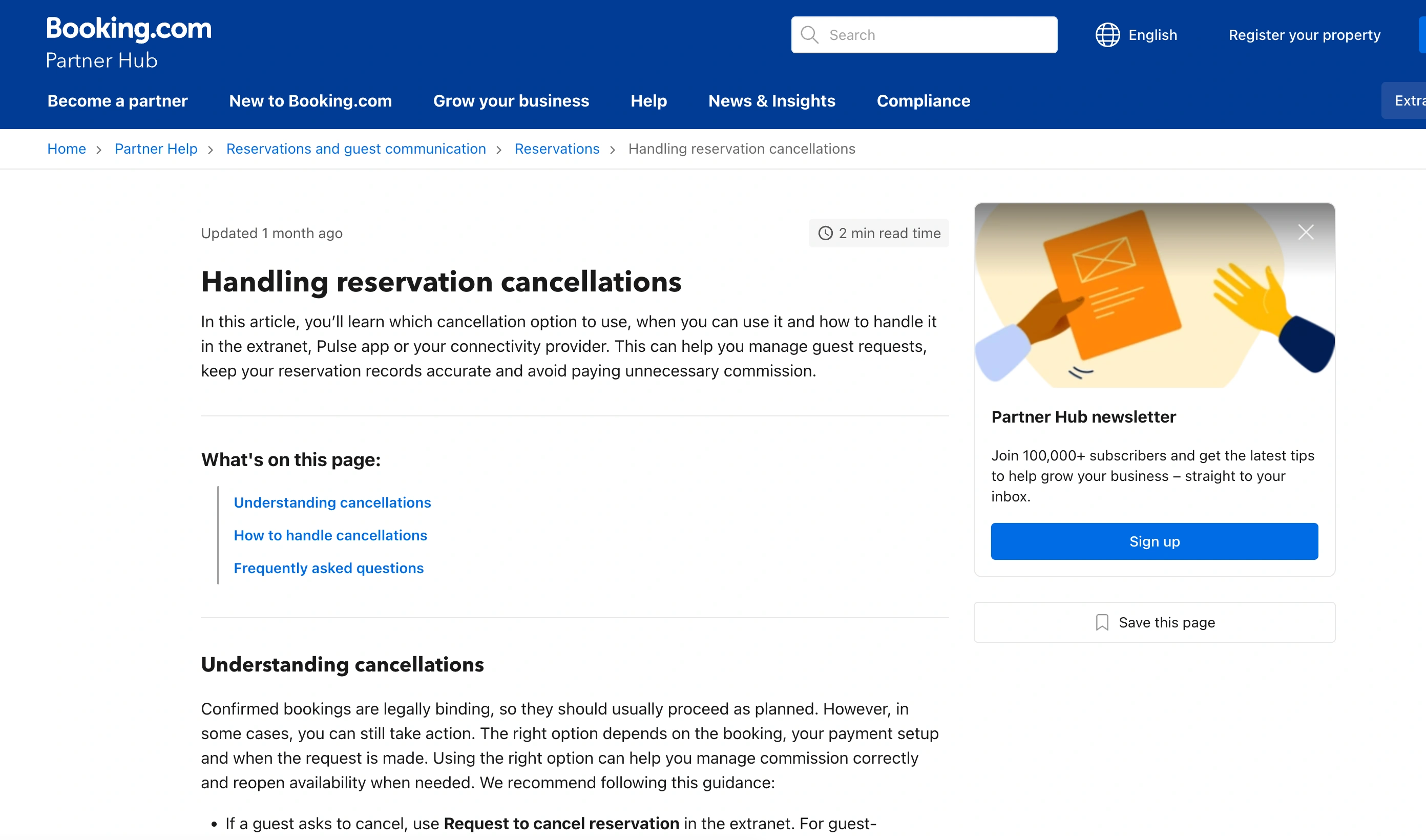
Step 1: Open Your Reservation
Sign in to your Booking.com account and go to Bookings and Trips. If you booked as a guest, use the link in your confirmation email.
Step 2: Review the Cancellation Conditions
Before pressing the final cancellation button, check:
Whether cancellation is free
The precise deadline
The cancellation fee
The refundable amount
Who collected the payment
Booking.com normally shows the applicable charge before you confirm the cancellation.
Step 3: Select “Cancel Booking”
Choose the cancellation option and provide a reason if requested. Review the financial consequences carefully before confirming.
Step 4: Save the Cancellation Confirmation
You should receive an email confirming that the reservation was cancelled. Save it until the refund appears.
Take screenshots showing the cancellation deadline and refundable amount if the booking involves a substantial payment.
Step 5: Monitor the Original Payment Method
Approved refunds are generally returned to the method used to pay. Processing time can vary based on the property, payment processor, card network, bank, currency, and country.
Step 6: Contact Support if the Refund Is Delayed
Use your reservation page, Booking.com app, or the official Help Center. Booking.com recommends providing:
Confirmation number
Reservation PIN
Booking email address
Clear description of the problem
Cancellation confirmation
Bank or card statement
Receipts and relevant messages
Avoid posting your reservation PIN publicly.
How Long Does a Booking.com Refund Take?
There is no single refund time for every Booking.com product. The timer should usually begin when the refund is approved or issued, not necessarily when you first request it.
A refund can pass through several stages:
The property approves the cancellation.
The responsible merchant initiates the refund.
The payment processor sends it to the card network.
Your bank posts the credit to your account.
Private transportation refunds may take up to five business days after processing under Booking.com’s current terms. Hotel and flight refunds can follow different timelines.
If you have not received the money, first confirm whether the refund has actually been issued. Then contact your bank and ask whether it can see a pending or reversed transaction.
What If the Hotel Cancels Your Booking?
When a property cannot honor a confirmed reservation, contact Booking.com before arranging an expensive replacement yourself.
Booking.com may try to:
Confirm the cancellation with the property
Find comparable alternative accommodation
Explain whether a price difference is covered
Arrange or support a refund
Request receipts for reasonable additional expenses
Do not assume every replacement cost will be reimbursed. Ask support to confirm the arrangement in writing before booking another hotel whenever possible.
If you arrive and the property is closed, overbooked, or refuses the confirmed room, take photos, save written messages, and contact Booking.com immediately.
Refund Rules for Flights, Cars, and Transportation
Flights
Flights booked through Booking.com are generally subject to the airline’s fare rules and the conditions of the third-party flight provider.
A refundable ticket may qualify for a cash refund, while a basic or restricted fare may allow only taxes, credit, or no refund. If the airline cancels the flight, your rights may be stronger depending on the route and applicable law.
For two separate one-way tickets, cancellation of the first flight does not necessarily create a right to a refund for the second.
Rental Cars
Under Booking.com’s standard rental-car terms, eligible bookings cancelled more than 48 hours before pickup receive a full refund.
If cancelled less than 48 hours before pickup, the refund may be reduced by the cost of three rental days. A rental of three days or fewer may therefore produce no refund. Cancellation after pickup time or a no-show generally results in no refund.
Non-refundable rental rates and pay-at-pickup reservations may follow different rules, so check the rental conditions.
Airport Taxis and Private Transportation
Pre-booked private transportation can commonly be cancelled free of charge until 24 hours before pickup, though some reservations use a two-hour deadline.
Public transportation tickets are frequently non-refundable after confirmation. The policy displayed during booking takes priority over the general rule.
Pro Tips for Avoiding Booking.com Refund Problems
Choose free cancellation for uncertain trips. A small price difference can be worthwhile when plans are not final.
Read the final conditions, not only the search label. Rules can vary by room and rate.
Check the time zone. The hotel’s local time may control the deadline.
Cancel through Booking.com. A phone call to the hotel may not update the online reservation.
Ask for written confirmation. Keep all promises inside Booking.com messaging when possible.
Do not cancel if the property caused the problem until Booking.com advises you. A self-cancellation could trigger a penalty.
Save evidence. Keep screenshots, emails, receipts, photographs, and bank statements.
Contact the property early. A hotel is more likely to consider an exception when it has time to resell the room.
Avoid an immediate chargeback. First allow Booking.com and the provider a reasonable opportunity to resolve the issue. A premature dispute can complicate an active refund.
Frequently Asked Questions
Does Booking.com give full refunds?
Booking.com provides a full refund when the conditions of the particular reservation allow it. A free-cancellation booking cancelled before its deadline will normally qualify, while a non-refundable booking usually will not.
Can I cancel a non-refundable booking without paying?
Usually not. You can request an exception from the property, but approval is not guaranteed. Provide supporting documents if the cancellation is caused by a serious emergency.
Will Booking.com refund me if the hotel cancels?
If the hotel cannot provide the confirmed stay, you should normally be offered assistance, alternative accommodation, or a refund, depending on the circumstances. Contact support immediately and keep evidence.
Where will my refund be sent?
Refunds are generally returned to the original payment method. If that card or account has been closed, contact the bank and Booking.com for instructions.
Why is my refund taking so long?
The provider may not have approved it yet, or the refund may be moving through payment processors and your bank. Ask for the refund date, amount, and transaction reference.
What happens if I cancel after the deadline?
The property can apply the fee stated in your booking conditions. This may be the first night, a percentage of the price, or the entire reservation amount.
Can Booking.com override a hotel’s cancellation policy?
Usually, Booking.com cannot simply override a valid policy created by the hotel. It may contact the property and ask it to make an exception.
Final Verdict
The Booking.com refund policy is reliable when you understand that the conditions belong to your individual reservation, not to every booking on the platform.
A flexible hotel rate cancelled before its deadline normally presents little difficulty. Most disputes arise from non-refundable reservations, missed deadlines, no-shows, or uncertainty over whether Booking.com or the property collected the payment.
Before booking, compare the refundable and non-refundable options carefully. After booking, keep the confirmation and cancel through the official reservation page. If something goes wrong, act quickly, save your evidence, and contact both Booking.com and the service provider when necessary.
Some links on this page are affiliate links. If you book through one we may earn a commission, at no extra cost to you. It never affects our ratings, our rankings, or the price you pay.