Is Booking.com Legit? An Honest Safety and Reliability Guide for Travelers
Is Booking.com Legit? An Honest Safety and Reliability Guide for Travelers If you are wondering, “Is Booking.com legit?”, the short answer is yes.
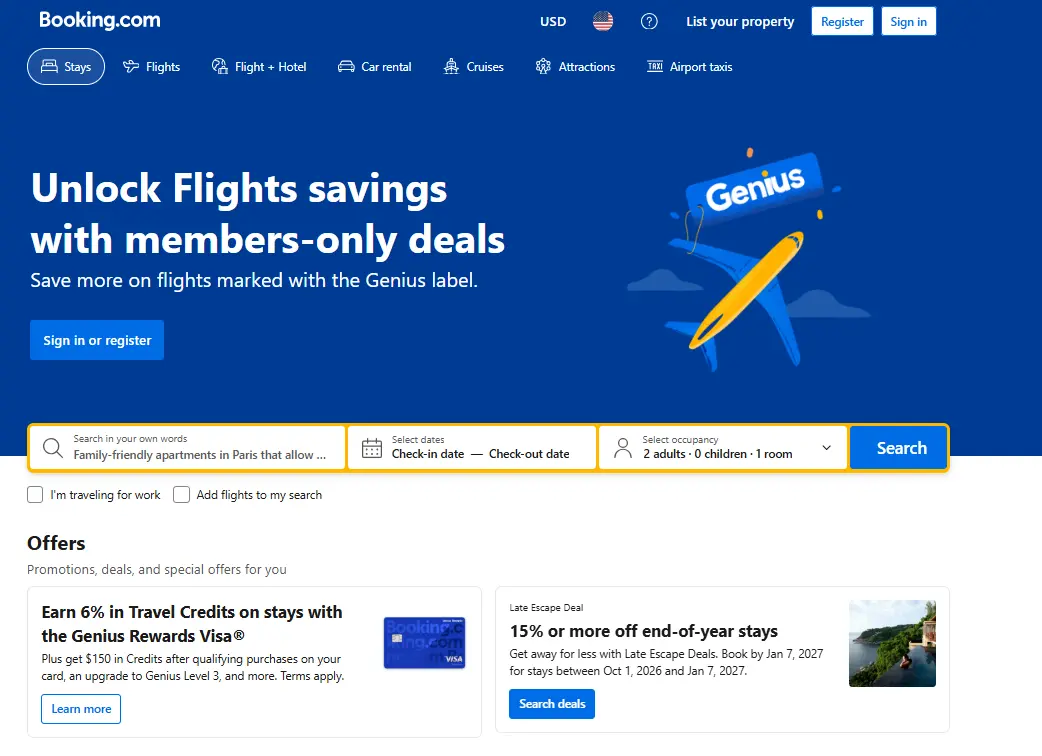
If you are wondering, “Is Booking.com legit?”, the short answer is yes. Booking.com is a legitimate online travel agency used to reserve hotels, apartments, vacation rentals, flights, rental cars, and airport taxis.
However, a legitimate booking platform does not guarantee that every listed property will provide a perfect experience. Booking.com connects travelers with independent hotels and hosts, so property quality, payment arrangements, cancellation rules, and customer support can vary.
This guide explains how Booking.com works, whether it is safe, what can go wrong, and how to protect your money when making a reservation.
Booking.com at a Glance
| Category | What Travelers Should Know |
|---|---|
| Legitimacy | Booking.com is a genuine online travel platform |
| Parent company. | Booking Holdings Inc., a publicly traded company |
| Main services | Hotels, apartments, flights, cars, taxis, and attractions |
| Booking model | Acts as an intermediary between travelers and providers. |
| Payment | May be collected by Booking.com or directly by the property |
| Cancellation | Depends on the rate and property policy selected |
| Reviews | Usually connected to completed reservations. |
| Main risks | Fake properties, misleading listings, phishing, and refund disputes |
| Best for | Comparing many properties and finding flexible rates |
| Overall verdict | Legitimate and generally safe when used carefully |
Booking Holdings reported that travelers booked approximately 1.2 billion room nights across its brands during 2025, showing the scale at which the company operates.
What Is Booking.com?
Booking.com is an online marketplace where travel companies and property owners advertise their services. Travelers can search by destination, compare prices, review amenities, read guest feedback, and make a reservation.
The platform was founded in 1996 and is now part of Booking Holdings, which also owns brands such as Priceline, Agoda, KAYAK, Rentalcars.com, and OpenTable.
Booking.com itself does not own most of the hotels or apartments displayed on its website. It provides the technology that connects the customer with the hotel, host, airline, or other service provider.
That distinction matters when something goes wrong. Booking.com can help manage the reservation, but the individual provider is often responsible for delivering the room, processing certain payments, and following the advertised policies.
Is Booking.com a Scam?
No, Booking.com is not a scam. It is an established travel company that processes a huge number of reservations every year.
The confusion usually comes from problems involving individual listings or criminals impersonating Booking.com. For example, a traveler may receive a fraudulent message that appears to come from a real hotel. Another traveler might arrive at a property and find that the room does not match the photos.
These situations are serious, but they do not make the entire platform fraudulent. They show why travelers must evaluate both the website and the individual accommodation.
A useful way to think about it is this: Booking.com is legitimate, but every listing still needs to be checked before you pay.
How Booking.com Works
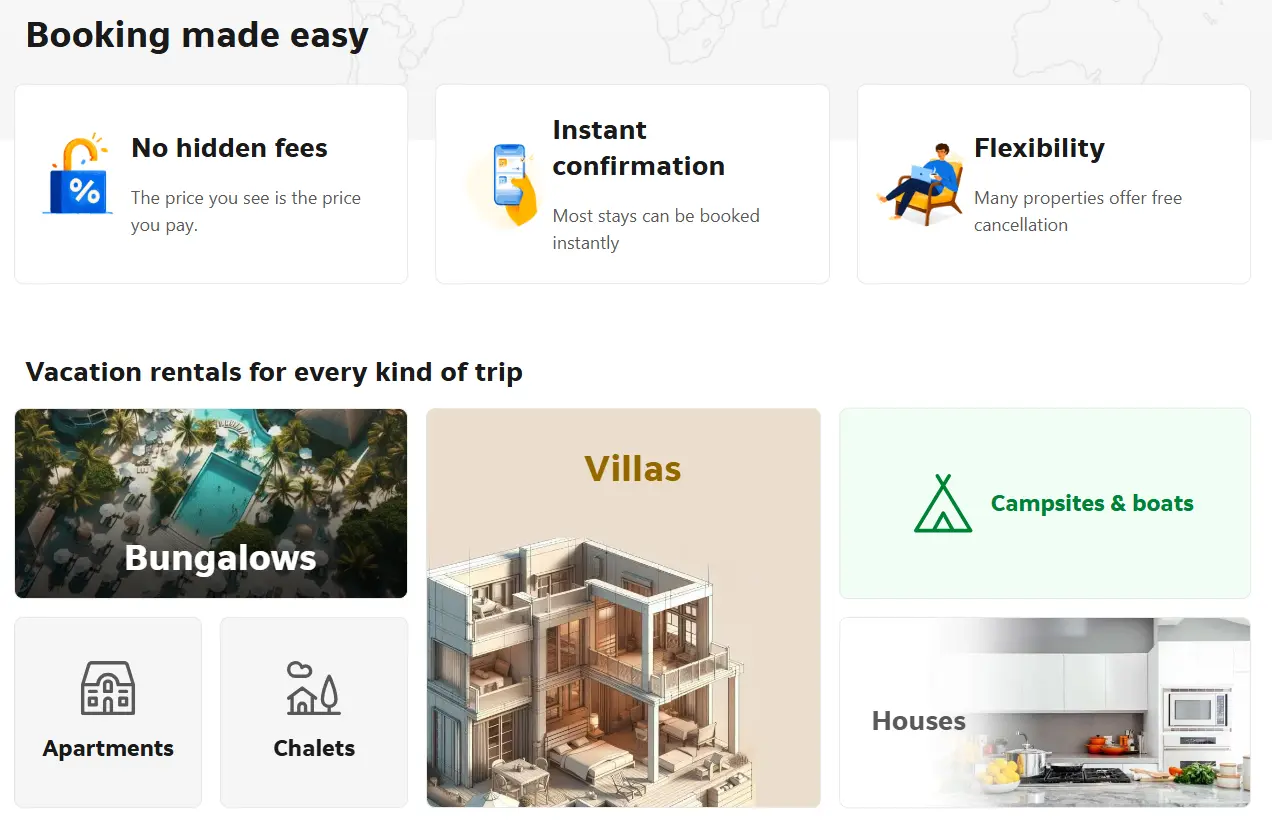
The booking process is relatively simple, but the payment arrangement can differ between properties.
1. You Search for Accommodation
Enter your destination, travel dates, number of guests, and required rooms. Booking.com then displays available hotels, apartments, hostels, resorts, and vacation homes.
You can filter the results by:
Total price
Guest rating
Location
Property type
Cancellation options
Meals
Amenities
Distance from landmarks
Payment requirements
Sponsored listings and preferred partners may appear prominently, so the first result is not necessarily the best value.
2. You Select a Room and Rate
The same room may be offered under several rate conditions. One option could include free cancellation, while another may be cheaper but completely non-refundable.
Check whether the displayed price includes:
Taxes
Resort fees
Cleaning charges
City or tourism taxes
Breakfast
Security deposits
Extra-bed charges
Credit card fees
Do not compare properties using only the first price shown. Review the final amount before confirming your reservation.
3. The Booking Is Confirmed
After completing the reservation, you should receive a confirmation containing the property details, booking number, cancellation conditions, payment information, and guest names.
Save this confirmation offline or take screenshots. You may need it if your internet connection is unavailable when you arrive.
4. Payment Is Collected
Depending on the reservation, payment may be handled in one of three ways:
Booking.com charges you online
The property charges your card before arrival
You pay the property during your stay
This information should be displayed before booking. If a host later asks for a different payment method, confirm the request through official support before sending money.
Is It Safe to Pay on Booking.com?
Paying through the official Booking.com website or mobile app is generally safe. The greater risk appears when a traveler follows an outside link, sends a bank transfer without verification, or provides card information through an unofficial page.
Some genuine properties collect payment directly. That is not automatically suspicious, provided the payment arrangement matches the conditions shown in your confirmation.
Be careful if you receive a message saying your reservation will be canceled unless you provide card details immediately. Scammers sometimes compromise accommodation accounts and send realistic messages containing correct booking information.
Never assume a message is safe simply because it appears in a legitimate conversation. Open the Booking.com app separately and check your reservation rather than using the link in the message.
How to Book Safely on Booking.com
Step 1: Use the Official Website or App
Type Booking.com directly into your browser or use the official mobile app. Avoid unfamiliar advertisements, shortened links, and websites with slightly misspelled domain names.
Check the web address carefully before entering payment details.
Step 2: Research the Property
Read recent reviews and pay attention to repeated complaints. One angry review may not mean much, but several recent reports about cleanliness, unavailable rooms, fake photos, or unexpected charges deserve attention.
Look for:
A substantial number of reviews
Recent guest experiences
Guest photos
Specific comments about location and staff
Consistent information across multiple websites
You can also search for the property independently and confirm its address using an online map.
Step 3: Read the Full Price Breakdown
Check the amount due today and any amount payable later. Taxes or local charges may be collected at the property even when the room is prepaid.
For apartments and vacation rentals, examine cleaning fees and security deposits carefully. These charges can change the real cost of an apparently cheap stay.
Step 4: Review the Cancellation Deadline
Booking.com does not apply one universal cancellation policy. According to its customer terms, cancellation charges and refunds depend on the policy offered by the service provider and accepted during booking.
Check the exact deadline, including the property’s local time zone. “Free cancellation” does not necessarily mean you can cancel free of charge at any time.
Step 5: Use a Credit Card When Possible
A credit card may offer stronger dispute protection than a bank transfer or debit card, depending on your bank and country.
Avoid cryptocurrency, gift cards, or transfers to an unrelated personal account. If an unusual payment request appears, contact official customer support first.
Step 6: Contact the Property
For an important or expensive trip, send the property a message after booking. Ask them to confirm your room type, dates, number of guests, and any essential requests.
This is especially useful when booking:
A vacation rental
A newly listed property
A room for a large group
An airport arrival after midnight
An accessible room
A long stay
A non-refundable reservation
Step 7: Keep Your Records
Save the confirmation, receipts, messages, listing photos, and policy details. If a dispute occurs, written evidence is much more useful than trying to remember what the listing showed.
Are Booking.com Reviews Real?
Booking.com’s review system is useful because reviews are generally connected with reservations made through the platform. This creates a stronger barrier against random reviews than systems that allow anyone to post.
Still, no review system is perfect. A genuine guest can give an unfair rating, and a property may change after older reviews were published.
Use these techniques when reading Booking.com reviews:
Focus on reviews from the last six months.
Read negative and positive reviews.
Sort by traveler type when possible.
Check whether management responds professionally.
Look for repeated comments rather than isolated complaints.
Compare the written reviews with the overall score.
Pay extra attention to comments about safety and location.
A property with an 8.2 rating based on 2,000 reviews may be a safer choice than one rated 9.5 from only six stays.
Understanding Booking.com Cancellation and Refunds
Cancellation policies are set for each room or travel service. A hotel may offer a flexible rate and a non-refundable rate for the same room.
Flexible Booking
A flexible reservation normally lets you cancel without a fee before a stated deadline. After that deadline, the property may charge one night or the full reservation amount.
Non-Refundable Booking
A non-refundable rate is usually cheaper, but you may lose the full payment if your plans change. Illness, visa problems, delayed flights, or personal emergencies do not automatically create a right to a refund.
You can ask the property to make an exception, but approval is not guaranteed.
Refund Processing
The party that collected the payment generally needs to process the refund. When Booking.com handles an eligible refund, the money may still take several business days to appear, depending on the bank and payment method.
If you cancel, make sure you receive written cancellation confirmation. Do not treat a message to the property as proof that the reservation was canceled.
Common Booking.com Problems
Most reservations are completed without serious trouble, but travelers should understand the common risks.
The Property Does Not Match the Photos
Photos may be old, professionally edited, or taken from the best possible angle. Recent guest photos often provide a more realistic picture.
Unexpected Charges
Guests sometimes overlook city taxes, deposits, cleaning fees, or optional extras. Read the final price details and fine print before confirming.
Overbooking
A property may accept more reservations than it can accommodate. If this happens, contact Booking.com immediately and ask for written information about alternative accommodation and any covered price difference.
Difficult Refunds
Refund disputes can become complicated when the hotel and Booking.com disagree about who is responsible. Keep all communication inside the platform and document the problem promptly.
Phishing and Payment Scams
A fraudulent message may contain your name, hotel, and travel dates. It may claim that payment failed or identity verification is required.
Do not follow an unexpected link. Verify the request by contacting the property through a separately confirmed phone number or Booking.com’s official support section.
Booking.com vs Booking Directly
| Feature | Booking.com | Direct With Hotel |
|---|---|---|
| nComparing properties | Very convenient | Requires checking hotels separately |
| Price | Often competitive. | May include a price match or exclusive rate |
| Cancellation | Depends on the selected rate, | May be easier to negotiate |
| Loyalty points | Genius benefits may apply | Hotel loyalty benefits may apply. |
| Support | Platform and property may both be involved | Deal directly with the hotel |
| Special requests | Can be sent through the platform | Direct communication may work better |
| Problem resolution | Responsibility can be less clear | Hotel controls the reservation directly |
Booking.com is useful when comparing unfamiliar properties or looking for a flexible deal. Direct booking may be preferable when loyalty benefits, upgrades, complex requests, or easier communication matter more.
Before deciding, compare the final price, not just the room rate.
Insider Tips for Using Booking.com
Check the hotel’s direct price. The hotel may offer breakfast, parking, loyalty points, or better cancellation terms.
Avoid new listings for critical trips. A limited review history creates more uncertainty.
Read the lowest reviews first. They quickly reveal recurring problems.
Confirm late arrival. Some small properties may mark you as a no-show if reception closes early.
Screenshot the room description. This helps if the assigned room is different.
Do not move conversations to WhatsApp unnecessarily. Keep important details inside Booking.com.
Recheck the reservation before traveling. Confirm that it remains active and that payment requirements have not changed.
Use flexible rates when plans are uncertain. A small saving may not justify a fully non-refundable booking.
Frequently Asked Questions
Is Booking.com trustworthy?
Booking.com is a trustworthy and established travel marketplace. However, travelers should still research the individual hotel or host because Booking.com does not operate most listed properties.
Does Booking.com have fake properties?
Most listings represent genuine accommodation, but fake or seriously misleading listings can appear on large marketplaces. Check recent reviews, the address, external map information, and payment requests before booking.
Is it better to pay now or at the property?
Paying online can be convenient and may lock in the rate. Paying at the property offers more flexibility in some cases, but the hotel may still require a card guarantee or preauthorization.
The better option depends on the cancellation terms, currency conversion, and who processes the payment.
Can I get my money back from Booking.com?
You may receive a refund if your rate is refundable or the provider cannot deliver the booked service. Non-refundable reservations are normally not eligible simply because your plans changed.
Why is Booking.com cheaper than the hotel?
The lower price may come from a mobile rate, loyalty discount, promotional agreement, or more restrictive cancellation policy. Compare taxes, meals, fees, room conditions, and refund rules before deciding that it is truly cheaper.
Is the Booking.com Genius program legitimate?
Yes. Genius is Booking.com’s loyalty program and can provide discounts or selected benefits at participating properties. Benefits vary, and the Genius price is not guaranteed to beat every direct offer.
What should I do if I receive a suspicious payment message?
Do not click the link or send payment. Open the official app independently, check the reservation terms, and contact Booking.com or the property using verified contact details. If you already entered card information, contact your bank immediately.
Final Verdict: Is Booking.com Legit?
Yes, Booking.com is legit and generally safe for booking travel. It is a major travel marketplace with a long operating history and a huge global customer base.
The main limitation is that Booking.com acts as an intermediary. Your experience depends partly on the hotel, apartment owner, airline, or other provider you select. Problems are more likely when travelers book an unreviewed property, ignore restrictive cancellation terms, or respond to an unverified payment request.
Booking.com is a good choice when you want broad selection, easy comparisons, guest reviews, and flexible booking options. Use the official website or app, check the total cost, read recent reviews, verify unusual payment requests, and save all reservation records. Those simple precautions make the platform considerably safer.
Some links on this page are affiliate links. If you book through one we may earn a commission, at no extra cost to you. It never affects our ratings, our rankings, or the price you pay.