Is Booking.com Safe? A Complete Guide to Booking Securely
Is Booking.com Safe? A Complete Guide to Booking Securely Is Booking.com safe? For most travelers, the answer is yes.
For most travelers, the answer is yes. Booking.com is a legitimate and widely used travel platform that offers hotels, apartments, resorts, flights, car rentals, and other travel services.
However, using a legitimate website does not remove every risk. Fake properties, misleading descriptions, payment disputes, phishing messages, and strict cancellation policies can still cause problems. Recent scams have also involved criminals gaining access to accommodation accounts and sending convincing payment requests through legitimate-looking communication channels.
The safest approach is to use Booking.com while carefully checking the property, payment terms, cancellation policy, and every message you receive. This guide explains the risks, safety features, and practical steps that can help you book with confidence.
Is Booking.com Legit and Safe?
Booking.com is a legitimate online travel agency owned by Booking Holdings Inc., a publicly traded travel company. The platform connects travelers with accommodation providers and other travel businesses around the world.
It is not a single hotel chain. Each property manages its own listing, room availability, prices, policies, and guest experience. Booking.com provides the booking platform, but the hotel or host normally provides the actual accommodation.
This distinction is important. A successful booking depends on both Booking.com’s systems and the reliability of the individual property.
Booking.com Safety Summary
| Safety factor | What travelers should know |
|---|---|
| Company | Booking.com is an established online travel agency |
| Website security | The official website and app use standard security measures |
| Property listings | Most are legitimate, but each property should be checked |
| Guest reviews | Reviews generally come from travelers invited to review completed stays |
| Payment handling | Payment may be taken by Booking.com or directly by the property |
| Cancellation protection | Depends entirely on the selected rate and property policy |
| Customer support | Available, but complicated disputes may take time to resolve |
| Main current risk | Phishing messages and fraudulent requests for additional payment |
| Overall safety | Generally safe when travelers use official payment and communication channels |
How Booking.com Works
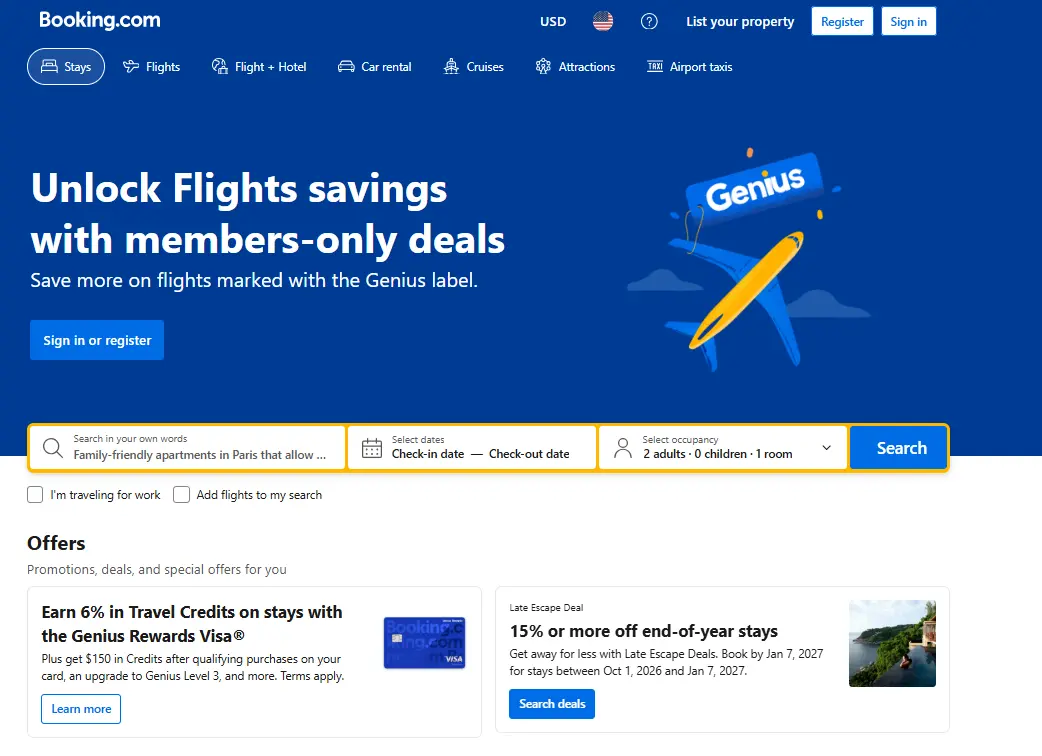
Booking.com acts as an intermediary between travelers and travel service providers. When you book a hotel, the legal provider of the stay is usually the hotel, apartment operator, or individual host.
Depending on the reservation, payment may work in one of three ways:
Booking.com collects the payment when you book or shortly before your stay.
The property charges your card according to its payment policy.
You pay at the property during check-in or check-out.
The booking page should explain who will process the payment and when the charge will occur. Read this information before entering your card details because payment arrangements can vary even between rooms at the same hotel.
Booking.com sends a confirmation containing your reservation dates, property details, price, cancellation conditions, and booking number. Save this confirmation until the trip is complete.
What Makes Booking.com Safe?
Booking.com uses several systems to reduce booking risks. None provides a perfect guarantee, but together they make it easier to assess properties and manage reservations.
Verified Guest Reviews
Booking.com generally invites travelers to leave a review after a reservation or stay. This makes its review system more useful than websites where anyone can post without making a booking.
Still, reviews should not be accepted without question. Some guests may rate a property based on personal expectations, and a hotel’s quality can improve or decline over time.
Focus on:
Reviews posted within the last six to twelve months
Comments about cleanliness, location, staff, and security
Reviews from travelers with similar needs
Repeated complaints across several reviews
Property responses to negative feedback
A single angry review may not mean much. Ten recent complaints about the same issue deserve attention.
Secure Account and Payment Features
The official Booking.com website and mobile app use encrypted connections to protect information being transmitted. The platform may also use fraud-monitoring systems and additional account-verification measures.
Travelers can improve account security by creating a unique password and enabling two-factor authentication when available. Avoid reusing the same password that you use for email, banking, or social media accounts.
Booking Confirmation and Digital Records
A Booking.com reservation creates a digital record of the price, dates, room type, and conditions displayed when you booked. This documentation can be valuable if the property later disputes the reservation.
Take screenshots of important terms, especially when booking:
A refundable rate
Breakfast or airport transfers
A specific room type
Free parking
A room for multiple guests
A stay with special requests
Special requests are not always guaranteed unless the property confirms them separately.
What Are the Risks of Using Booking.com?
Booking.com is generally safe, but travelers should understand where problems can occur.
Phishing and Fake Payment Messages
One of the most serious risks is a message claiming that your payment failed or your reservation will be cancelled unless you verify your card immediately.
Some scams are highly convincing because criminals may have access to genuine reservation details. The message might include your name, hotel, dates, and booking number. It may appear to come from the property or arrive through a familiar communication channel.
A legitimate-looking message is not automatically safe.
Booking.com advises travelers to compare any payment request with the policy shown on the booking page or confirmation. If no deposit or prepayment was required, an unexpected request for immediate payment should be treated as suspicious. Travelers should avoid outside links and contact the property or Booking.com through verified channels. Recent reporting has highlighted scams that use urgent payment demands and fake pages designed to collect card details.
Fake or Misleading Listings
Most listings are genuine, but no large marketplace can completely eliminate fake, inaccurate, or outdated information.
Warning signs include:
A new property with no reviews
A luxury apartment priced far below comparable listings
Photos that look copied or inconsistent
A host asking to communicate only through WhatsApp
Requests for bank transfers, gift cards, or cryptocurrency
An address that cannot be verified on a map
Pressure to cancel the Booking.com reservation and pay directly
A property with no reviews is not necessarily fraudulent. It may simply be new. However, it requires more independent checking.
Strict Cancellation Policies
Many complaints blamed on Booking.com are actually disputes involving the rate selected by the traveler. A non-refundable room may remain non-refundable even if your flight is cancelled, your visa is denied, or your plans change.
“Free cancellation” also has a deadline. After that time, the property may charge a penalty or the full reservation amount.
Check:
The exact cancellation deadline
The property’s local time zone
The amount charged after the deadline
Whether taxes and fees are refundable
No-show charges
Prepayment conditions
Do not assume customer support can override the hotel’s policy.
Differences Between Photos and Reality
Professional photos can make rooms look larger, brighter, and more modern. Some listings also combine photographs from several room categories.
Read the description for the exact room you are booking. A property may show its best suite in the main gallery while the lowest rate applies to a smaller room in another building.
Customer Service Delays
Straightforward issues can often be handled through the reservation page. More complicated cases involving refunds, duplicate charges, relocations, or disputes with a property may require several conversations.
Keep all communication inside the platform whenever possible. Written records are easier to prove than promises made during a phone call.
How to Book Safely on Booking.com
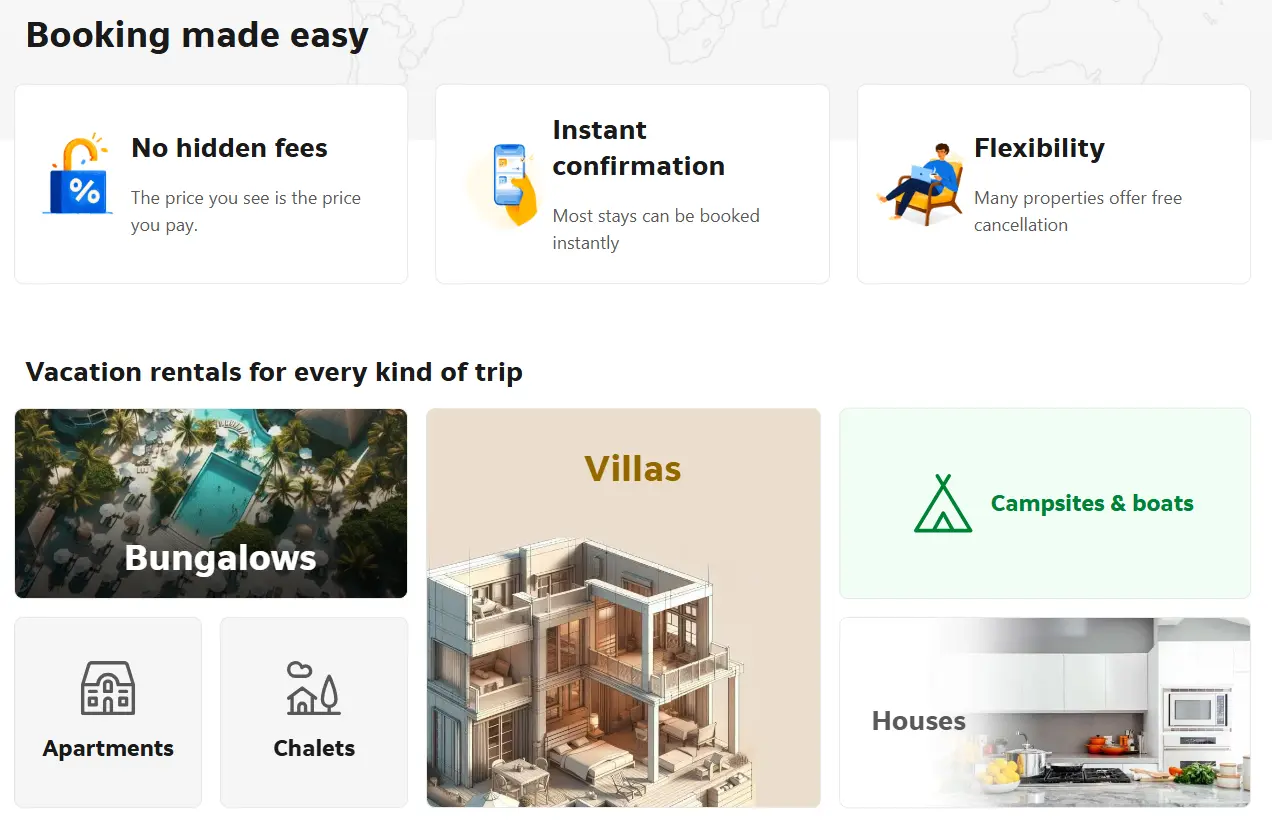
Following a consistent checking process can prevent most avoidable problems.
Step 1: Use the Official Website or App
Type Booking.com directly into your browser or use the official app. Be careful with sponsored search results and websites that imitate well-known travel brands.
Check the domain before signing in or entering payment information. A misspelled domain or unusual web address is a major warning sign.
Step 2: Review the Property’s History
Check the overall score, number of reviews, and recent written feedback. A score based on thousands of stays carries more weight than one based on five reviews.
Sort reviews by newest first. Look for repeated mentions of bedbugs, construction noise, unsafe surroundings, unexpected deposits, closed facilities, or rooms different from those advertised.
Step 3: Verify the Location
Open the map and confirm that the location works for your plans. Search the property name and address independently to see whether it has an official website, business listing, or reviews on other platforms.
For apartments and vacation rentals, the exact address may be hidden until booking. You can still examine the neighborhood and ask the host for nearby landmarks.
Step 4: Compare the Final Price
Do not judge a deal only by the first price shown. Continue far enough to see taxes, service charges, cleaning fees, resort fees, and local charges.
Compare the final amount with the hotel’s direct price and at least one other trusted platform. The cheapest headline rate is not always the cheapest final booking.
Step 5: Read the Payment and Cancellation Terms
Confirm:
Who will charge your card
When payment will be taken
The currency of the charge
Whether the rate is refundable
Whether a damage deposit is required
Which charges are payable at the property
If the conditions are unclear, ask before booking.
Step 6: Pay With a Credit Card
A credit card usually provides stronger dispute options than cash, cryptocurrency, gift cards, or a bank transfer. Card protections vary by issuer and country, so check your bank’s rules.
Avoid sending money through a payment method that cannot be reversed. A legitimate property should not pressure you into an unusual payment arrangement that contradicts the confirmation.
Step 7: Save Your Documents
Save the confirmation email and take screenshots of the room description, final price, cancellation terms, and included services.
These records may help if the listing changes after you book.
Step 8: Confirm Directly With the Property
For an expensive stay, international trip, or special event, contact the hotel using a phone number found independently. Ask it to confirm your name, dates, room type, and payment status.
Do this soon after booking and again a few days before arrival if the reservation is important.
How to Identify a Booking.com Scam
Scammers often try to create panic so travelers act before checking the facts.
Be suspicious if a message:
Says your booking will be cancelled within a few hours
Requests card details through an external link
Asks for payment through WhatsApp or Telegram
Demands a bank transfer or cryptocurrency
Requests your account password or verification code
Contains an unfamiliar domain
Contradicts your original payment policy
Claims you must pay twice and promises an automatic refund later
Do not assume a message is safe simply because it contains accurate reservation information.
Open Booking.com separately rather than clicking the message. Review the reservation and contact customer support or the property through a verified number.
What to Do If You Receive a Suspicious Message
Do not click the link or reply with personal information. Take a screenshot of the message, then check the payment conditions in your original confirmation.
Contact Booking.com through the official website or app. You can also call the property using a number from its official website or another reliable source.
If you already entered card details:
Contact your bank or card issuer immediately.
Ask it to block or replace the card.
Dispute unauthorized transactions.
Change your Booking.com and email passwords.
Enable two-factor authentication.
Report the message to Booking.com.
File a report with the appropriate cybercrime or consumer-protection authority.
Act quickly, even if no unauthorized charge has appeared.
Booking.com Pros and Cons
| Pros | Cons |
|---|---|
| Large selection of hotels and vacation rentals | Property quality varies considerably |
| Useful filters and map tools | Some rates have strict cancellation terms |
| Reviews linked to reservations or stays | Phishing messages can look convincing |
| Many properties offer free cancellation | Final charges may include extra taxes or fees |
| Easy price and room comparison | Support may depend on cooperation from the property |
| Reservation records are stored in one account | Photos or descriptions may not always match expectations |
| Pay-now and pay-later options are available | Refunds can take time in disputed cases |
Pro Tips for Safer Bookings
Choose established properties for important trips. A hotel with hundreds of recent reviews is normally a lower-risk choice than an unreviewed apartment.
Use a separate travel card. A card with a controlled spending limit reduces potential exposure if its details are compromised.
Keep communication on the platform. If a host moves the conversation to another app, important evidence may be harder to verify later.
Avoid non-refundable rates unless the saving is meaningful. Paying slightly more for flexibility can be worthwhile when flights, visas, health, or work plans are uncertain.
Check your card after booking. Watch for duplicate, incorrect, or unfamiliar charges rather than waiting until the trip.
Contact the property before a late arrival. Some properties may classify guests as no-shows if they arrive after reception closes without notice.
Read the lowest-rated recent reviews. They often reveal practical problems that high-level scores hide.
Is Booking.com Safer Than Booking Directly?
Neither option is automatically safer in every situation.
| Booking through Booking.com | Booking directly with a hotel |
|---|---|
| Easier to compare many properties | Communication may be more direct |
| Reservation details stored centrally | Hotel has full control of the reservation |
| May include member discounts | Loyalty points and hotel benefits may apply |
| Platform support can help with disputes | Changes may be easier to negotiate |
| Another company is involved in the transaction | Fewer parties can mean less confusion |
| Useful verified-stay review system | Direct rates may include extra benefits |
Booking.com can be useful when you want choice, comparison tools, and flexible rates. Direct booking may be preferable when loyalty benefits, special requests, or easy changes matter most.
Frequently Asked Questions
Is it safe to enter card details on Booking.com?
It is generally safe to enter payment information on the official Booking.com website or app. Check the domain and avoid entering card details through links sent by email, text message, or WhatsApp.
Can Booking.com listings be fake?
Fake or misleading listings are possible on any large accommodation marketplace, though they are not typical. Check recent reviews, the address, photos, pricing, and outside business records before booking.
Are Booking.com reviews trustworthy?
Booking.com reviews are useful because they are generally connected to reservations or completed stays. Read a large selection of recent reviews rather than relying only on the average score.
Does Booking.com refund cancelled reservations?
Refund eligibility depends on the cancellation policy and who processed the payment. A refundable reservation cancelled before its deadline should normally qualify, while a non-refundable reservation may not.
Why is a hotel asking me to pay outside Booking.com?
Some properties legitimately collect payment themselves, but the method and timing should match the original booking terms. An unexpected request through an outside link should be independently verified.
Is the Booking.com mobile app safe?
The official app is generally safe when downloaded from a recognized app store. Keep it updated, protect your account with a strong password, and enable two-factor authentication if available.
What should I do if the hotel cannot find my reservation?
Show the confirmation and contact Booking.com support immediately. Keep receipts if you must arrange alternative accommodation, but ask what expenses may be covered before spending a large amount.
Final Verdict: Is Booking.com Safe?
Booking.com is generally safe for booking hotels and other travel services, but it should not be used without basic checks. The platform is legitimate, its reservation system is convenient, and its guest reviews can help travelers compare properties.
The biggest risks usually come from individual accommodation providers, restrictive policies, inaccurate listings, and phishing attempts. A message containing real booking information can still be fraudulent.
Book through the official website or app, read every condition, use a credit card, keep your confirmation, and never make an unexpected payment without verifying it. With those precautions, Booking.com remains a practical and generally secure option for most travelers.
Some links on this page are affiliate links. If you book through one we may earn a commission, at no extra cost to you. It never affects our ratings, our rankings, or the price you pay.