Booking.com Review
Booking.com is an online travel platform best known for letting travelers compare and reserve hotels, apartments, and other places to stay.
Booking.com is an online travel platform best known for letting travelers compare and reserve hotels, apartments, and other places to stay. Its broad selection is useful when you need to weigh location, guest ratings, room facilities, and cancellation terms in one search. It also offers flights, rental cars, airport taxis, and attractions, though accommodation remains its strongest reason to use it.
The convenience comes with a question: what happens if the room is not as described, a host asks for an unexpected payment, or your plans change? Booking.com helps you find and manage a reservation, but the property and the rate you choose shape much of the experience. This Booking.com review looks at its features, prices, policies, support, and common complaints so you can decide when it is worth booking through the platform.
Quick Verdict
Booking.com is a strong place to search for and compare accommodation, especially when you want more than standard hotel rooms. Its filters, maps, property details, and guest reviews make it easier to narrow a large field of options.
Best for: Travelers comparing hotels and alternative stays across several locations or budgets.
Main strengths: Wide accommodation choice, useful search tools, detailed reviews, and flexible rates at many properties.
Main weaknesses: Rules vary by property, the first price you see may not reflect every charge, and resolving a problem can involve both Booking.com and the provider.
Consider it if: You are willing to read the room and payment terms before confirming.
Consider alternatives if: You need complex changes, want a direct relationship with a hotel, or value a particular hotel loyalty program.
The short answer is yes, Booking.com is worth using as a comparison and booking tool. It is less suitable as a substitute for checking the details of the specific stay.
Booking.com Overview
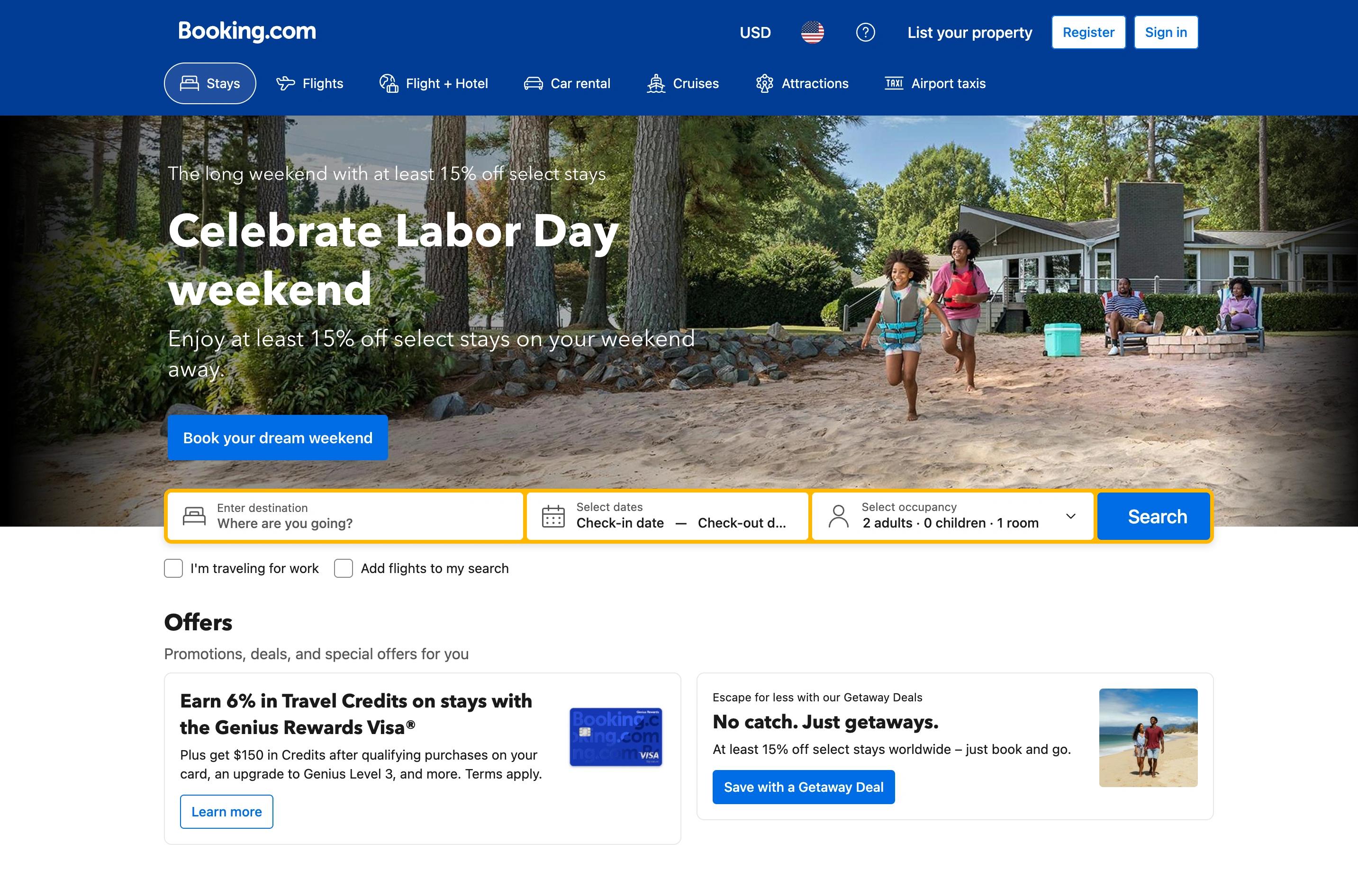
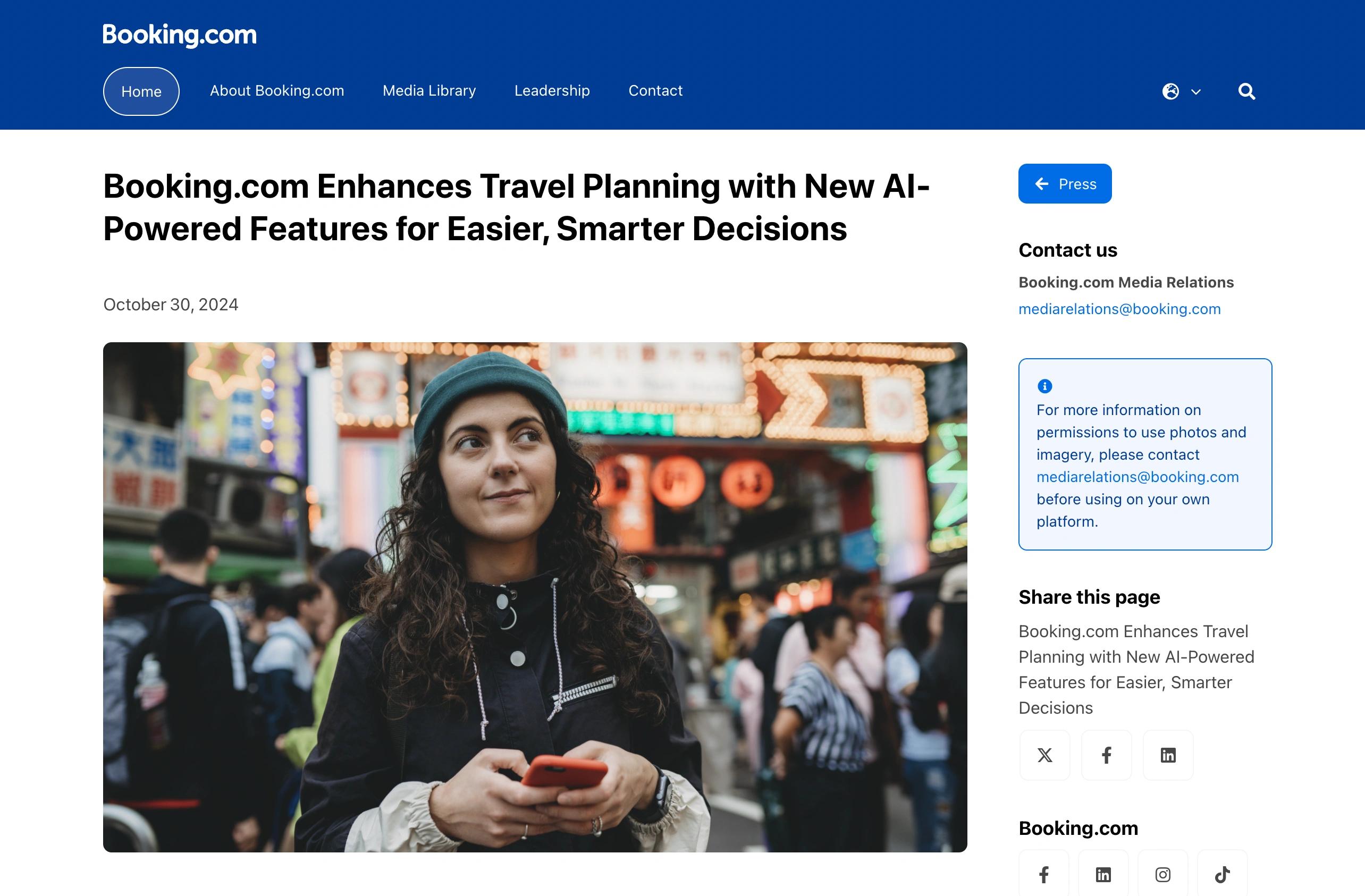
Booking.com began in the Netherlands in 1996 and is based in Amsterdam. It is part of Booking Holdings, a travel company that also owns other booking brands. The platform operates internationally and lists accommodation ranging from large hotel chains to independent guesthouses, apartments, and holiday homes.
Booking.com does not own most of the places travelers book. It connects customers with accommodation providers and other travel companies. Depending on the reservation, you may pay through Booking.com or pay the provider under the terms shown at checkout. That distinction matters if you later need to discuss a charge or refund.
Its main attraction is the ability to compare different kinds of stays in one place. A family might look at hotels and apartments side by side. A solo traveler might compare hostels, guesthouses, and private rooms. Someone traveling for work might filter for a desk, Wi-Fi, breakfast, and free cancellation.
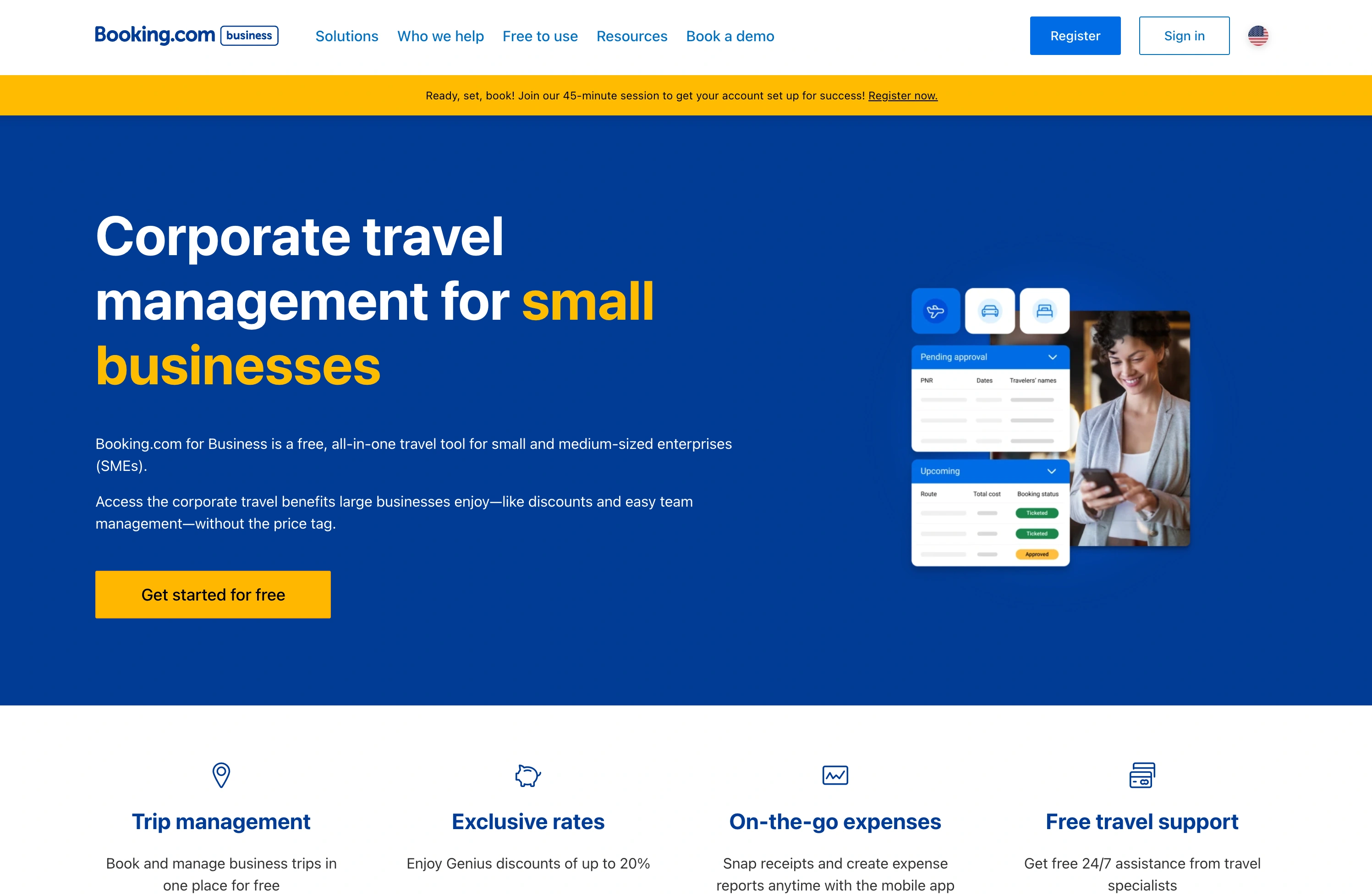
The platform also sells or arranges other travel services, including flights and car rentals. Those options are convenient, but each service has its own provider and booking rules. A good experience with a hotel reservation does not tell you how easy it will be to change an airline ticket bought through the same site.
Services and Features
Accommodation selection and search tools
Booking.com’s accommodation range is its biggest advantage. Search results can include hotels, serviced apartments, resorts, hostels, vacation rentals, and smaller local properties. Choice varies by destination, and a large selection does not mean every available property is listed.
Filters help make that selection manageable. You can narrow results by price, property type, facilities, guest rating, neighborhood, and cancellation terms. The map is particularly useful in an unfamiliar city: two properties described as “central” may be very different distances from the station, beach, or area you plan to visit.
Use the filters as a starting point. Before booking, open the property page and confirm that the feature you need applies to your room, not just the property generally. A listing may offer parking, for example, while the spaces require a separate fee or advance arrangement.
Property pages and guest reviews
Property pages typically show photos, room choices, facilities, location details, house rules, and guest feedback. The most useful reviews describe something specific: street noise, check-in instructions, mattress comfort, or whether the kitchen has the equipment shown in photos.
Booking.com’s accommodation review system is tied to bookings rather than being a fully open comment board. That gives reviews more context, but it does not guarantee every listing is accurate or every recent experience will match the overall score. Read several newer reviews, including critical ones, and look for repeated comments. A pattern of complaints about cleanliness or surprise charges matters more than one angry review.
Pay attention to the room category as well. Photos can show several room types at the same property. A balcony, view, or larger bed in the gallery may not be included in the cheapest option.
Booking, payment, and cancellation
The booking process is usually straightforward: select a property, choose a room or unit, check the conditions, enter guest details, and confirm. The important work happens before the final click. Check the number of guests, bed setup, included meals, payment timing, and cancellation deadline for the exact rate selected.
“Free cancellation” applies only under the conditions shown for that reservation. It may end before arrival, and a different rate at the same property may be non-refundable. Booking.com’s customer terms make clear that cancellation fees and refunds depend on the applicable provider policy. Saving the confirmation gives you a record of the terms you accepted.
Payment arrangements also vary. Some reservations require payment during booking, some are charged later, and others are paid at the property. A card may be needed to secure a booking even when payment is due on arrival. Check who is expected to charge you, when, and in which currency.
App, messages, and Genius
The mobile app is handy for keeping confirmations, addresses, and booking details together while traveling. You can also use reservation messaging to ask a property about arrival times, accessibility needs, or other practical details. Ask important questions before booking when the answer could affect your choice, and keep a written record of the reply.
Booking.com’s Genius loyalty program offers benefits on eligible bookings. A logged-in member may see a discounted rate or an included perk at a participating property. Benefits depend on the listing and your account level; they are not a blanket discount on every stay. Compare the final price and conditions with other available rates before treating a Genius label as a deal.
Flights and other travel services
Being able to search for flights, cars, and attractions alongside accommodation can save time. It can also add another party to an already complicated booking. Flight changes are governed by the ticket and airline rules, while car rentals can involve deposits, insurance choices, and pickup requirements.
For a simple trip, having several reservations in one account may be convenient. For an itinerary that is likely to change, compare the third-party terms with booking directly with the airline or rental provider before deciding.
Pricing and Value for Money
Booking.com does not have one fixed price level. Rates depend on the destination, travel dates, demand, property, room type, and conditions you select. A prepaid, non-refundable room may cost less than a flexible rate at the same hotel, but that saving has little value if there is a real chance you will cancel.
The platform is useful for finding competitive options because it displays different properties and rate types together. It cannot be assumed to have the lowest price every time. Compare the same room, occupancy, meal plan, and cancellation rules on the hotel’s own site and at least one other booking source. A lower headline rate is not a better deal if it excludes breakfast or carries stricter terms.
Watch for taxes, local charges, resort or destination fees, cleaning fees, parking, and charges for extra guests. Their presentation can vary by property and location. The price you compare should be the amount you expect to pay for the whole stay, including charges payable on arrival.
Currency can affect value too. If the displayed currency differs from the one used for payment, the final amount on your card statement may change with the exchange rate or your card issuer’s fees. Check the payment currency before confirming, particularly on international trips.
Booking.com offers the most value when its choice and filters help you find a stay that fits your needs. For a longer stay, a well-equipped apartment may be better value than a cheap room without cooking facilities. For a one-night stop, a slightly higher rate near your transport connection may save time and transfer costs.
User Experience
Searching is generally easy. The website and app let you move between a list, map, photos, room options, and reviews without much effort. The harder part is comparing listings on equal terms. A search result may look appealing until you discover that breakfast costs extra, the room has a different bed arrangement, or the cancellation deadline has already passed.
After booking, keeping the confirmation and property messages in one account is convenient. Check that the confirmation states the correct dates, guest count, room type, and payment terms. If arrival instructions are unclear, contact the property before travel rather than waiting until you reach the door.
Changes and cancellations depend on the reservation. A flexible booking may be simple to cancel within its stated window. Changing dates or room types can be less straightforward because availability and prices may have changed. A non-refundable booking does not become refundable simply because you contact support, although a provider may choose to make an exception.
Booking.com offers customer support, but support cannot always resolve a property dispute immediately. If the issue concerns a missing room, access to an apartment, or a facility at the property, the provider often has the information or control needed to fix it. Contact the property and Booking.com promptly, explain the problem clearly, and retain photos and messages where relevant.
Safety, Trust, and Reliability
Booking.com is a legitimate, established travel platform. That does not make every listing risk-free or every message about a reservation trustworthy. Properties supply much of their listing information, and conditions can change between room types. Reviews provide a useful check, but they work best alongside the address, recent photos, and written policies.
Be especially careful with unexpected payment requests. Fraudsters have sent messages that appear connected to genuine reservations and pressure travelers to “verify” a card or pay quickly to avoid cancellation. A message appearing in a familiar channel is not, by itself, proof that a new payment request is valid.
If a request does not match the payment terms in your confirmation, do not enter card details through a link in the message. Open the app or website yourself, review the reservation, and contact Booking.com support or the property through independently verified details. Enable two-factor authentication on your account where available.
For higher-stakes trips, add a practical check: confirm the property address and arrival arrangements in advance. Save the confirmation and any written agreement about late check-in, accessibility, or extra charges. These steps will not prevent every problem, but they make a misunderstanding easier to identify and resolve.
Customer Reviews and Common Complaints
Customer feedback shows why Booking.com can be easy to recommend for searching and harder to judge as a single service. Positive accounts often focus on finding a suitable stay quickly, seeing several price options, and managing a straightforward reservation without needing support. Reviews of individual properties can also help travelers avoid a poor fit.
Negative feedback more often concerns what happens when something goes wrong. Recurring themes in consumer reviews include disputes over refunds, difficulty getting a clear answer between the platform and a property, unexpected charges, and accommodation that did not match expectations. Public review sites tend to attract people with unresolved problems, so their complaints are useful warning signs rather than a reliable measure of how often every traveler has a bad stay.
It helps to separate two kinds of review. A guest review on a hotel’s listing tells you about that property. A review of Booking.com as a company may tell you about booking or support, often after a problem. Both matter, but neither can predict the outcome of a particular reservation on its own.
Who Is Booking.com Best For?
Booking.com is well suited to travelers who want to compare many accommodation types and are comfortable checking the details before paying. Budget travelers can weigh cheaper rooms against location and included facilities. Families can compare apartments and hotels by space, bedding, and kitchen access. International travelers may find the map, reviews, and reservation details helpful when booking somewhere unfamiliar.
It also works for people whose plans may change, provided they deliberately select a rate with suitable cancellation terms. The flexibility belongs to the rate, not to every booking made on the platform.
Who Should Consider Alternatives?
Book directly with a hotel if a direct rate offers better value, useful loyalty benefits, or a simpler point of contact for a complicated stay. This can matter when arranging connecting rooms, accessibility requirements, a group booking, or a special arrival.
For flights that may need changes, consider whether booking with the airline would make ticket management easier. If you prefer personal help choosing a property or handling a complex itinerary, a travel adviser may be more useful than a self-service platform.
Consider another listing, or another platform, when a property has few recent reviews, vague arrival instructions, or unclear fees. There is no reason to accept uncertainty simply because the headline price looks low.
Tips for Using Booking.com
Compare total costs. Check taxes, property fees, deposits, parking, and meals before deciding which listing costs less.
Read the exact room description. Confirm bed type, view, bathroom, and included facilities instead of relying on the property’s main photos.
Check the cancellation deadline. Save the date and time shown on your confirmation, including its time zone.
Sort through recent reviews. Look for repeated comments about cleanliness, noise, check-in, and unexpected charges.
Use the map carefully. Check the route to the places you will actually visit, not just the property’s distance from the city center.
Confirm payment timing. Know whether Booking.com or the property will charge you and whether anything remains payable on arrival.
Compare a like-for-like direct rate. Match the room type, guest count, meals, and cancellation conditions before calling one price cheaper.
Message about essential needs early. Get written confirmation of late arrival, parking, accessibility arrangements, or a specific bed setup.
Treat urgent new payment links with suspicion. Verify requests against your reservation through the official app or website.
Keep your booking record. Save the confirmation, terms, and important messages until the stay and any refund are complete.
Final Verdict
Is Booking.com worth using? Yes, especially for finding and comparing accommodation. Its strongest feature is choice: you can assess different property types, locations, rates, and guest feedback without searching each provider separately. Travelers who read the final price and exact booking conditions are most likely to get value from it.
The biggest reason to reconsider is the extra layer between you and the provider when a stay goes wrong. Cancellation rights vary by rate, and a dispute about a room or charge may require help from both the property and Booking.com. Use the platform to compare carefully, choose a well-reviewed property with clear terms, and book only once you understand who takes payment and what happens if your plans change.
Some links on this page are affiliate links. If you book through one we may earn a commission, at no extra cost to you. It never affects our ratings, our rankings, or the price you pay.