How to Find Flights With Free WiFi Before Booking
Staying connected in the air has moved from being a luxury to something many travelers actively look for when choosing a flight.
Staying connected in the air has moved from being a luxury to something many travelers actively look for when choosing a flight. Whether you want to answer messages, keep up with work, check your connecting flight, or simply browse during a long journey, onboard WiFi can make several hours in the air feel much easier.
The problem is that seeing "WiFi available" beside a flight does not necessarily mean the WiFi is free.
One airline may provide complimentary messaging but charge for normal internet access. Another may offer free WiFi only to loyalty program members. A third might provide complimentary full internet on selected aircraft while other aircraft in its fleet still use paid plans.
For that reason, finding flights with free WiFi requires checking the specific airline, aircraft, route, and type of internet access offered.
Here's how to identify flights that offer complimentary connectivity before you book.
What Does Free WiFi on a Flight Actually Mean?
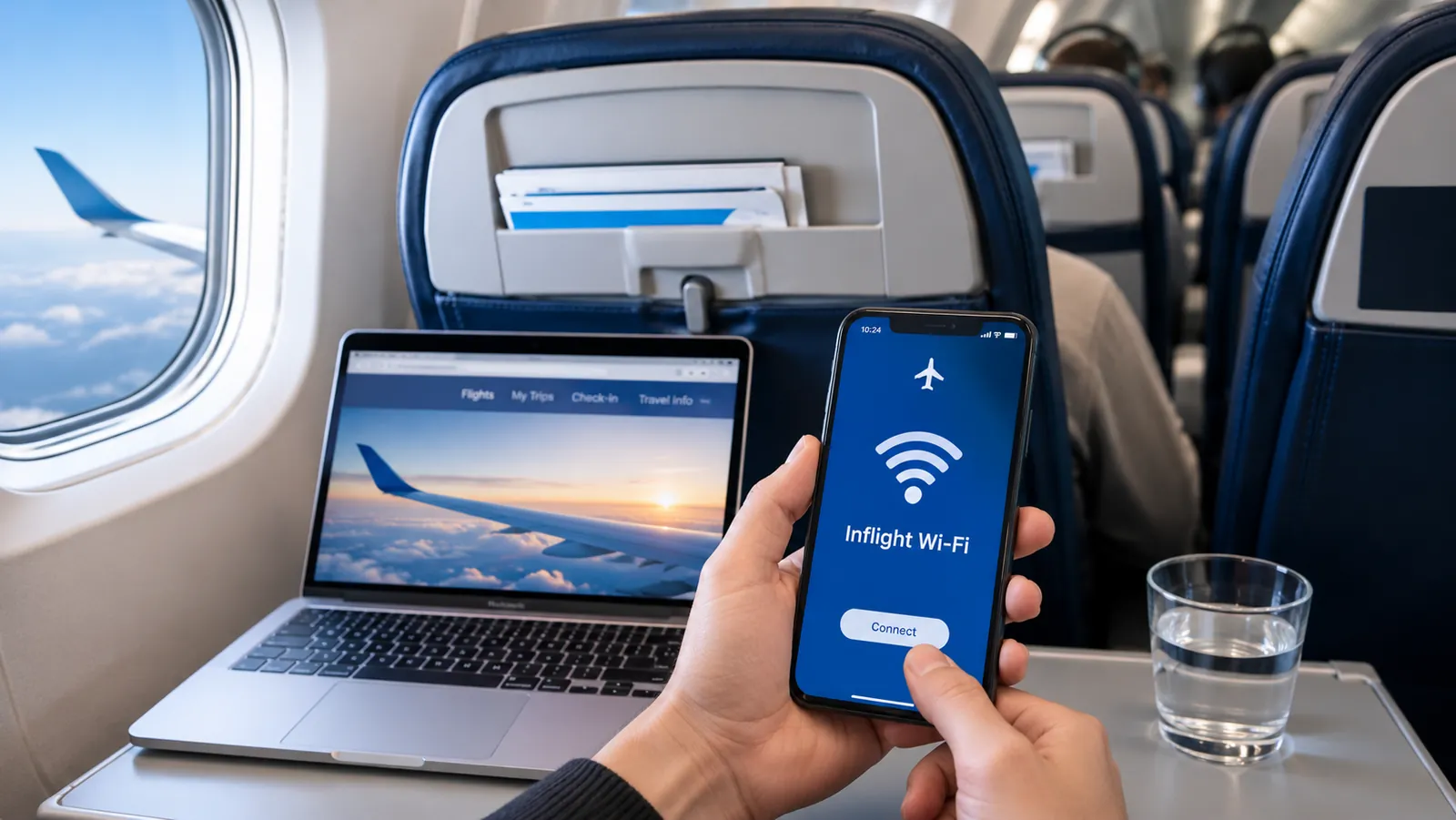
"Free WiFi" can describe several different services.
Some airlines provide completely complimentary internet access. Others offer only free messaging, while normal browsing requires payment.
You may encounter:
Free messaging
Free basic internet
Free browsing
Free WiFi for loyalty members
Free WiFi for certain customers or cabins
Complimentary access sponsored by another company
Paid high speed internet
Limited complimentary trial access
This distinction matters.
If you only want to send messages, a complimentary messaging package may be perfectly adequate.
If you need to work online, open websites, send files, or use more demanding applications, you need to know whether full internet access is included.
Step 1: Search for Flights That Fit Your Trip First
Do not begin by choosing an airline solely because you have heard that it offers free WiFi.
Start with flights that make sense for your actual journey.
Compare:
Departure time.
Arrival time.
Nonstop versus connecting service.
Total travel time.
Ticket price.
Baggage.
Operating airline.
Aircraft type.
Once you have narrowed your search to several reasonable flights, compare their connectivity.
WiFi should usually be one part of the decision rather than the factor controlling the entire itinerary.
Step 2: Check the Operating Airline

Codeshare flights can easily cause confusion.
Suppose your itinerary shows:
Airline A Flight 4500
Operated by Airline B
Airline B is physically operating the flight.
That means Airline B's aircraft and onboard service are generally the ones relevant to your WiFi research.
Do not assume the marketing airline's internet policy applies simply because its flight number appears on your ticket.
Always identify the operating carrier before investigating connectivity.
Step 3: Look at the Flight Amenities
During the booking process, expand the details for the flight.
You may find an amenities section showing features such as:
WiFi.
Power.
USB charging.
Entertainment.
Meals.
Seatback screens.
If WiFi is displayed, that tells you connectivity may be available.
But it does not necessarily tell you whether it is complimentary.
You still need to investigate what type of WiFi service is offered and whether your particular aircraft supports it.
Step 4: Check Whether WiFi Is Actually Free
This is the most important step.
"WiFi available" and "free WiFi" are two different things.
Before booking, determine whether the airline describes the service as:
Complimentary WiFi.
Free internet.
Free messaging.
Paid WiFi.
Free for members.
Free for selected customers.
Complimentary access may also come with conditions.
For example, passengers might need to sign into an airline loyalty account or create an account before connecting.
Read the details instead of relying on a WiFi symbol alone.
Step 5: Understand Free Messaging vs Free Internet
Free messaging is becoming a common type of inflight connectivity, but it is not equivalent to unrestricted internet.
A messaging package may allow supported text based communication while limiting other internet activities.
Full internet access may support broader browsing and additional online services.
A simple comparison looks like this:
| WiFi Type | Typical Purpose |
|---|---|
| Free messaging | Text based communication |
| Basic internet | Browsing and light online activity |
| Full WiFi | Wider internet access |
| Streaming capable service | Higher bandwidth activities where supported |
| Paid plan | Access purchased onboard or beforehand |
Exact capabilities vary considerably between airlines and connectivity systems.
If you need WiFi for work, make sure you are not mistaking complimentary messaging for full internet.
Step 6: Check the Aircraft Type
WiFi availability often depends on the aircraft.
An airline may advertise onboard internet but not have the required equipment installed across its entire fleet.
Some aircraft may have newer connectivity systems while others are awaiting upgrades.
During your flight search, identify the scheduled aircraft under:
Aircraft
Equipment
Flight details
Plane type
Then check whether that aircraft or fleet group normally offers the airline's advertised WiFi service.
This is especially useful when choosing between two departures operated by different aircraft.
Step 7: Remember That the Same Aircraft Model Can Differ
Even knowing the aircraft model does not always guarantee connectivity.
An airline might operate 30 aircraft of the same type, with some already equipped with a new WiFi system and others still using an older system or none at all.
Installation programs often happen gradually.
Therefore:
Aircraft type + airline + individual configuration
provides more useful information than the aircraft model by itself.
When an airline says WiFi is available on "selected aircraft," do not treat that as a fleet wide guarantee.
Step 8: Check Whether Loyalty Membership Is Required
Some airlines make complimentary connectivity available only after passengers sign into their loyalty program.
Membership itself may be free, but you might need an account before accessing the service.
If the airline requires membership, consider creating the account before departure.
Save your login information somewhere accessible offline.
You do not want to discover after takeoff that you have forgotten the password needed to access complimentary WiFi.
Also check whether the benefit applies to every membership level or only selected customers.
Step 9: Compare WiFi Across Fare Types
In some cases, connectivity benefits can vary by ticket or passenger category.
Do not assume that purchasing a more expensive economy fare automatically includes better WiFi.
Likewise, do not assume basic economy passengers are always excluded.
Check the conditions associated with the exact flight and fare.
If WiFi is one reason you are considering a higher fare, calculate whether the additional ticket cost provides enough other benefits to justify it.
Paying substantially more solely for internet access may not represent good value.
Step 10: Check Each Segment Separately
Connecting itineraries require additional attention.
Suppose your journey includes:
Flight 1: 2 hours.
Flight 2: 11 hours.
The first aircraft might offer free WiFi while the second offers paid connectivity, or vice versa.
The flights may even be operated by different airlines.
Never assume that because one segment shows WiFi, the entire itinerary has the same service.
Check every segment independently, particularly the longest flight where internet access is likely to matter most.
Step 11: Compare Free WiFi With Paid WiFi
A flight without free WiFi should not automatically be rejected.
Suppose you are comparing two otherwise similar flights.
| Feature | Flight A | Flight B |
|---|---|---|
| Fare | $430 | $500 |
| WiFi | Paid | Free |
| Routing | Nonstop | Nonstop |
| Duration | 7h 45m | 7h 50m |
| Baggage | Included | Included |
| Seat selection | Extra | Included |
| Aircraft | Type A | Type B |
These prices are illustrative.
If Flight B costs $70 more, complimentary WiFi alone may not justify the difference.
But if it also includes your preferred seat and other useful services, the overall value could be different.
Compare the entire package.
Step 12: Check Whether WiFi Supports Your Intended Activity
Not all inflight internet performs the same tasks equally well.
Before choosing a flight for connectivity, think about what you actually want to do.
Messaging
Basic complimentary access may be sufficient.
Light email use may work well when ordinary browsing is supported.
General Browsing
You will want normal internet access rather than a messaging only plan.
Work
Cloud based applications, large attachments, and other demanding tasks may require stronger connectivity.
Video or Streaming
Do not assume streaming will work simply because WiFi is available. Airline policies, network capacity, and technical limitations can affect higher bandwidth activities.
Set realistic expectations.
Step 13: Understand That Inflight WiFi Is Not Guaranteed
Even when your aircraft is equipped with complimentary WiFi, technical problems can occur.
Inflight internet relies on complex onboard and external communications systems.
Service can be affected by:
Equipment problems.
Coverage.
Technical maintenance.
Network congestion.
Flight location.
System availability.
An airline advertising WiFi does not mean every passenger will receive uninterrupted internet for the entire flight.
If you absolutely need a document for work, download it before boarding.
Treat inflight internet as useful connectivity rather than your only way of accessing essential information.
Step 14: Compare WiFi More Carefully on Long Haul Flights
WiFi becomes more valuable as flight duration increases.
On a 50 minute flight, you might barely have time to connect before preparing for landing.
On a twelve hour flight, connectivity can be much more useful.
For long haul journeys, compare:
Whether WiFi is free.
Whether full browsing is included.
Data or time restrictions.
Aircraft coverage.
Power availability.
USB charging.
Seat comfort.
A laptop with internet access is much less useful if you cannot keep it charged during a long flight.
Consider WiFi and power together.
Step 15: Look for Power and Charging Too
If connectivity matters, charging should be part of your comparison.
Check whether your scheduled aircraft provides:
USB A.
USB C.
AC power.
Shared power outlets.
Individual power.
Even when power is advertised, equipment can occasionally be unavailable.
Charge your devices fully before leaving for the airport and consider carrying an airline compliant power bank where permitted.
WiFi is most useful when your device still has enough battery to use it.
Step 16: Download Important Content Before Flying
Even when you specifically book a flight with free WiFi, prepare as though the internet might not work.
Before leaving home, download:
Boarding information.
Hotel details.
Travel documents.
Important emails.
Work files.
Movies or shows.
Music.
Books.
Destination information.
Maps where useful.
This simple preparation protects you against technical problems and also means you do not need to use limited bandwidth for large downloads.
Step 17: Recheck Your Aircraft Before Departure
One major complication is the possibility of an aircraft change.
Suppose you intentionally choose a flight because its scheduled aircraft offers complimentary WiFi.
Before departure, the airline substitutes another aircraft.
The replacement may use a different connectivity system or potentially have no WiFi at all.
If onboard internet is important, recheck:
Aircraft type.
Flight amenities.
Operating airline.
Current WiFi information.
Do this again when your trip approaches.
Aircraft assignments are operational and can change even after booking.
Step 18: Do Not Ignore the Overall Flight
Free WiFi is attractive, but avoid choosing a much worse itinerary simply to get it.
Imagine Flight A has complimentary WiFi but requires a four hour connection.
Flight B charges for internet but flies nonstop.
For many travelers, eliminating four hours of travel time provides much more value than receiving complimentary internet.
Compare WiFi alongside:
Total price.
Schedule.
Travel time.
Connections.
Seat comfort.
Baggage.
Meals.
Fare flexibility.
Airport convenience.
The best connected flight is not necessarily the best overall flight.
Free WiFi Flight Comparison Checklist
Before booking, compare the important details:
| Factor | What to Check |
|---|---|
| Operating airline | Who actually operates the flight |
| WiFi availability | Available or unavailable |
| Price | Free or paid |
| Access type | Messaging or full internet |
| Membership | Login required or not |
| Aircraft | Whether scheduled plane is equipped |
| Flight duration | How valuable connectivity will be |
| Power | Charging availability |
| Connections | Check every segment |
| Total airfare | Compare complete trip cost |
| Aircraft changes | Recheck before departure |
This gives you a much more accurate comparison than simply looking for a WiFi icon.
Common Mistakes When Searching for Free WiFi Flights
One of the biggest mistakes is assuming "WiFi available" means "WiFi included."
Another is confusing complimentary messaging with full internet access.
Travelers also sometimes research the marketing airline instead of the operating carrier on codeshare flights.
Do not assume an airline's entire fleet has identical connectivity either. WiFi installations and upgrades may apply only to selected aircraft.
Finally, avoid paying substantially more for a worse itinerary just because the internet is complimentary.
Evaluate the financial value and convenience realistically.
Frequently Asked Questions
How do I know whether my flight has free WiFi?
Check the onboard amenities for your specific flight and verify whether the service is described as complimentary rather than merely available.
Does a WiFi symbol mean internet is free?
No. It may only indicate that connectivity is available. Access could still require payment.
Is free messaging the same as free WiFi?
Not necessarily. Complimentary messaging can be restricted to supported communication services, while full WiFi provides broader internet access.
Do all aircraft from the same airline have WiFi?
Not always. Availability can vary by aircraft type and individual aircraft, particularly while airlines upgrade their fleets.
Can I stream video using inflight WiFi?
It depends on the airline, connectivity system, network conditions, and applicable restrictions. Do not assume streaming is supported.
Can free WiFi stop working during the flight?
Yes. Technical problems, coverage limitations, congestion, or other operational factors can affect connectivity.
Can the WiFi situation change after I book?
Yes. An aircraft substitution can potentially change the connectivity available on your flight.
Final Thoughts
Finding flights with free WiFi requires looking beyond the small WiFi symbol displayed during a flight search.
Start by identifying the operating airline and scheduled aircraft. Then determine whether connectivity is actually complimentary, whether it provides only messaging or broader internet access, and whether membership or another condition is required.
For connecting trips, check every flight separately.
If WiFi is especially important on a long haul journey, also compare charging options so your devices can remain powered throughout the flight.
Most importantly, keep connectivity in perspective.
Free WiFi is a valuable benefit, particularly on long journeys, but schedule, nonstop routing, seat comfort, baggage, fare flexibility, and total price can have a much greater effect on the overall travel experience.
The best approach is to find a flight that already works well for your trip and then use free WiFi as an additional advantage when comparing otherwise similar options.
Some links on this page are affiliate links. If you book through one we may earn a commission, at no extra cost to you. It never affects our ratings, our rankings, or the price you pay.